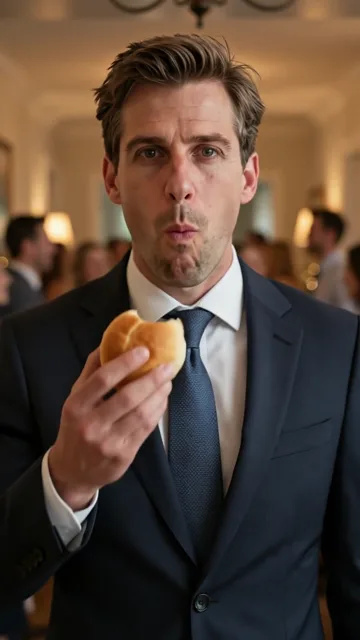

Original
You, in your own clothes, walking out of the crowd.
BbY WOW dance AI is a photo-to-video effect that swaps the man in a viral party clip, who steps out of a crowd, bites a snack and stares into the camera, for the person in your photo. BbY WOW does it from one photo of you or your pet: 9 seconds, 720p, no app, from $6.99, no subscription.
From $6.99 per video — one-time. No subscription.
The clip is not a filter inside an app and not a text-to-video guess. It is a fixed reference recording with a person-swap on top: the camera, the crowd and the timing come from the original clip, and an image model replaces the person with the one in your photo. That distinction decides which tool can make it and which cannot.
Same dance, three ways to enter. Original, Cowboy and Pet cost the same.
Original
You, in your own clothes, walking out of the crowd.
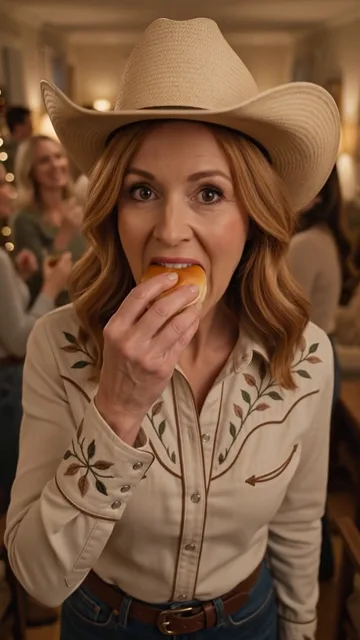

Cowboy
Hat, boots and western shirt. Same photo, new outfit.
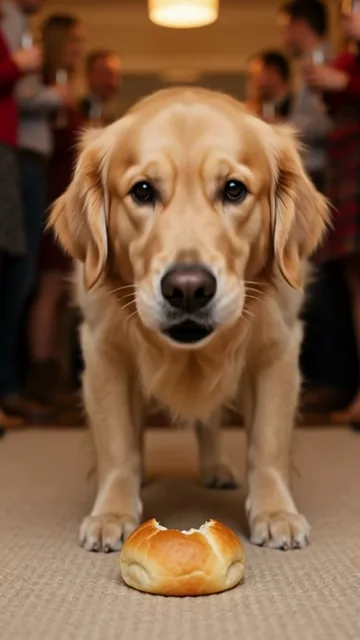 Pets OK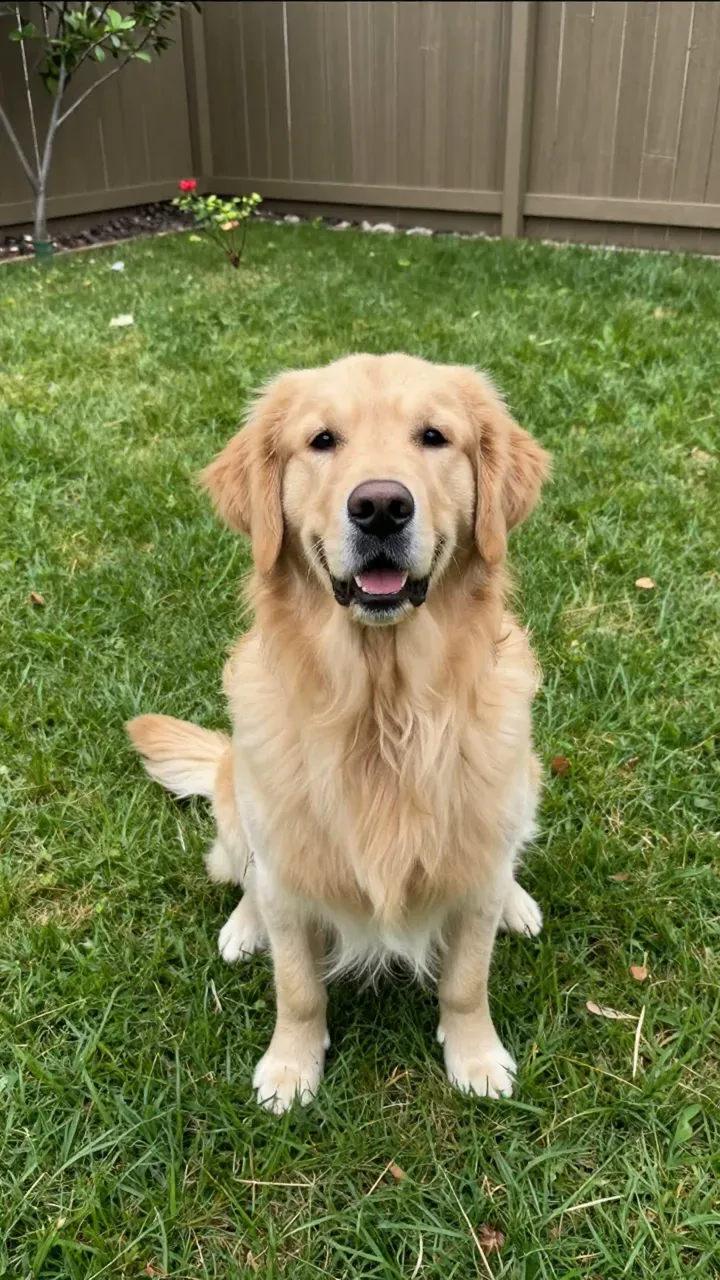
Pet
Your dog or cat trots out and takes a bite.
No watermark
Clean MP4, yours to post.
Photos deleted in 24h
Your upload is not kept.
Refund if it fails
Failed generations are refunded.
Ready in ~3 minutes
No queue, no app.
Understanding the pipeline explains why some “AI dance” apps can’t make this clip.
Step one is a fixed reference video: the party walk-in everyone recognizes. Step two is your photo, checked for a visible face and usable light. Step three is a video model that swaps the person in the reference for the person in the photo, keeping the camera and the crowd untouched.
So the “AI” here does two jobs — reading who is in your photo, then re-rendering that person doing the reference move. Nothing is invented frame by frame, which is why the output looks like the meme instead of like a generic dancer. Prefer to learn the moves yourself? Start with the practice guide.
Native apps, general video tools and web generators all claim the trend. They are not equivalent.
| Approach | How it works | Upside | Downside |
|---|---|---|---|
| Native app filters | In-app effects or template editors | Free or cheap, instant preview | Rarely has this exact move; often a watermark; quality varies weekly |
| General AI video tools | Text prompt → generated clip | Powerful models, lots of control | You must describe the move yourself; results drift from the meme; needs prompt skill |
| Web generator (this site) | Your photo + fixed reference clip | The exact move, no prompt, no install | Paid (from $6.99 per clip, in credits) |
The whole flow fits on one screen.
1. Upload a photo — one person or one pet, facing the camera, head-to-waist or full body. The checker rejects unusable shots before you pay.
2. Pick a style — Original keeps your outfit; Cowboy adds western gear; Pet swaps in your cat or dog.
3. Generate and download — sign in, spend 10 credits (a pack starts at $6.99, less per clip in bigger packs), and the 720p MP4 arrives usually within 3 minutes, by email and in your library.
Nearly every bad result comes from the photo, not the model. Check these before regenerating.
Works
Gets rejected
For a general video tool, describe the move literally. These three are ready to paste.
A man at a crowded house party walks out of the crowd toward the camera, takes a small bite of a bread roll, stares into the lens, then turns and walks back. Static camera, 9:16.
Use the person in this photo. Keep their face, hair and clothes exactly the same. Make them perform the walk-out-of-the-crowd move toward the camera, pause, bite a small snack, stare, turn back.
Vertical 9:16, 9 seconds, warm party lighting, crowd slightly out of focus behind the subject.
One-time credit packs. No subscription, credits never expire, and failed videos are returned automatically.
One video
10 credits · 720p · 9 seconds · no watermark
Squad
$29.00
50 credits · ≈ 5 videos
$5.80 per video
Save 17%Crew
$99.00
350 credits · ≈ 35 videos
$2.83 per video
Save 60%Party
$199.00
900 credits · ≈ 90 videos
$2.21 per video
Save 68%Studio
$499.00
3000 credits · ≈ 300 videos
$1.66 per video
Save 76%No. The trend spread through reposts and edits, not an official effect. Tools that make it are all third-party: web generators like this one, or general AI video apps driven by a prompt.
The charm of the clip is that a still photo “comes alive” doing a move nobody expected. Filming yourself doing it is a different genre — and harder to make look right.
You can try: describe the move literally (the prompts above) and iterate. Expect several attempts to land the walk-and-stare timing. A dedicated generator fixes the move so the first result is already on-trend.
Use a photo with one clearly visible person. Group photos are rejected because the subject detection cannot tell who to animate — crop to the person you want, or pick a different shot.
Regenerate with a sharper, better-lit photo where the face points at the camera. Faces at an angle, in shadow, or behind glasses are the usual cause.
Your photos stay yours. Photos are used only for generation and deleted within 24 hours. Finished videos stay downloadable for 30 days. Only upload photos of yourself or people who said yes.